Every year, hundreds of workers suffer serious injuries during equipment servicing—many because energy sources weren’t properly isolated. The root cause? Inconsistent or missing lockout tagout (LOTO) procedures. While locks physically secure machines, tags communicate critical information—and that’s where printable lockout tagout tags come in.
Printable LOTO tags offer organizations a flexible, cost-effective way to maintain compliance with OSHA 1910.147 while adapting to dynamic worksite needs. Whether managing routine maintenance or responding to emergency repairs, the right tag can prevent accidental restarts, clarify accountability, and reduce downtime.
But not all printable tags are created equal. Choosing the wrong format, material, or design can undermine their effectiveness. This guide breaks down everything you need to know—from design principles to real-world applications—so your team uses printable LOTO tags that actually work.
Why Printable Lockout Tagout Tags Are More Than Just Paper
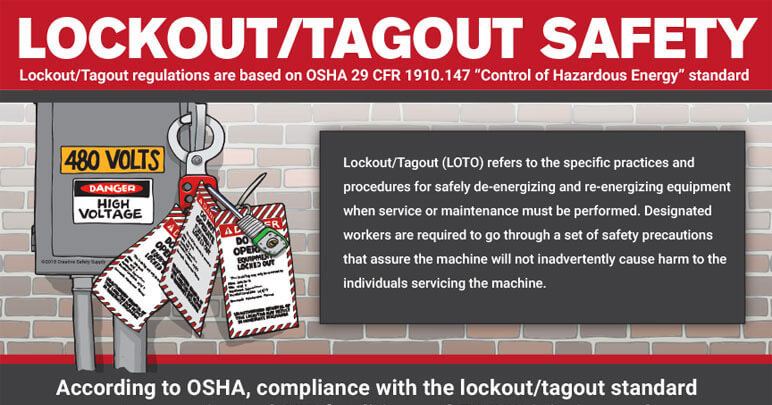
At first glance, a tag may seem like a simple label. In reality, it’s a legal document and a frontline defense against hazardous energy release.
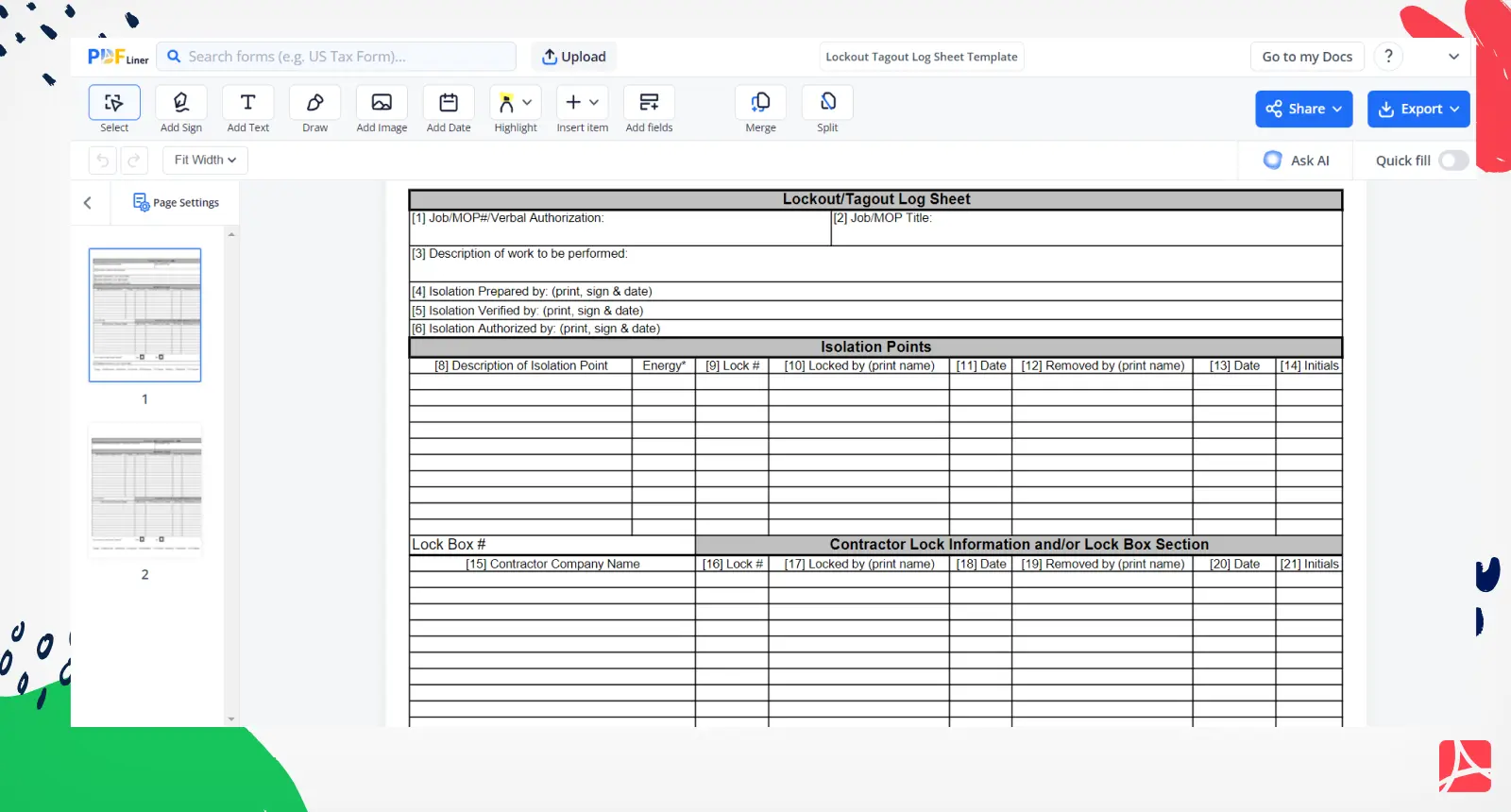
Printable LOTO tags serve several non-negotiable functions: - Identify the person who applied the lock - Specify the reason for lockout (e.g., “Motor Repair – Conveyor Line 3”) - Indicate the date and time of application - Warn others not to operate or re-energize the equipment - Provide emergency contact information
Unlike pre-printed tags, printable versions allow customization on demand. This is crucial in facilities with rotating teams, varied equipment, or evolving maintenance schedules. Need a tag for a temporary contractor? Print one. Is a machine undergoing a unique repair? Tailor the message instantly.
Yet, convenience must never compromise durability. A flimsy paper tag that tears after one use defeats the purpose. The best printable LOTO tags balance customizability with resilience.
The design of your printable tag directly impacts its effectiveness. OSHA doesn’t mandate specific colors or layouts, but industry standards (like ANSI Z244.1) strongly recommend consistency.
Key Design Elements That Matter
| Element | Best Practice | Common Mistake |
|---|---|---|
| Color | Red background with white text for high visibility | Using light colors or inconsistent schemes |
| Header | “DO NOT OPERATE” or “LOCKOUT IN PROGRESS” in bold | Vague labels like “Under Maintenance” |
| Fields | Fillable areas for name, date, reason, department | Pre-filled or static text with no customization |
| Durability | Use water-resistant or synthetic paper stock | Standard printer paper that smudges or rips |
| Size | Minimum 3” x 5” to ensure readability | Too small to read from a safe distance |
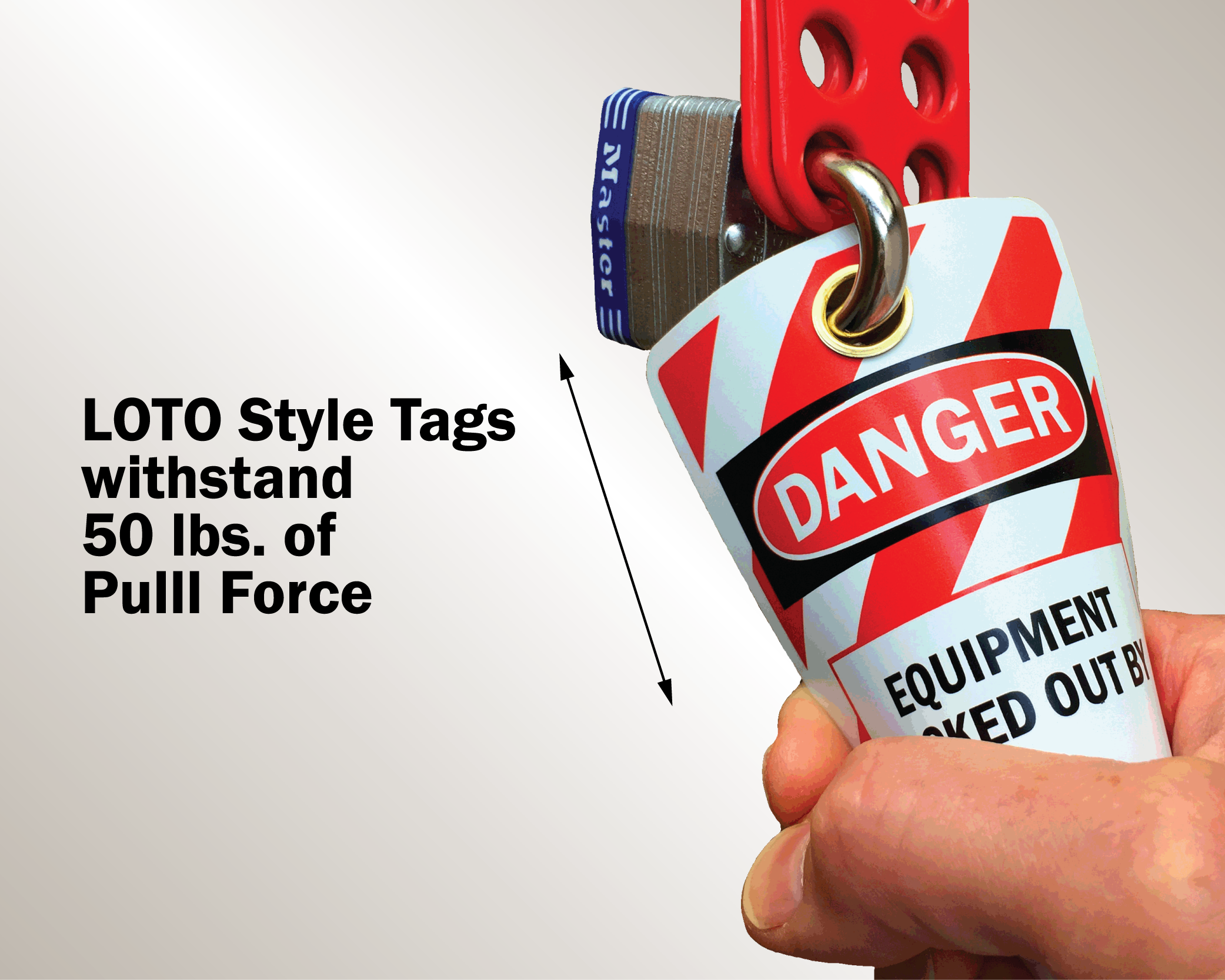
One often-overlooked detail: font legibility. Avoid script or decorative fonts. Stick to bold sans-serif types like Arial or Helvetica in 14pt or larger. Workers wearing gloves or standing several feet away should still read the tag at a glance.
Avoid overcrowding the tag. Leave space for handwritten notes when digital printing isn’t available. A clean, scannable layout prevents confusion during high-pressure situations.
Real-World Use Cases: When Printable Tags Shine
Printable LOTO tags aren’t just for large factories. They’re valuable across industries and scenarios where flexibility and clarity are paramount.
1. Multi-Shift Maintenance Operations In 24/7 plants, multiple teams service the same equipment. A printable tag lets each technician document their actions clearly. For example, Night Shift prints a tag noting, “Hydraulic Pump Bleeding – Completed 02:30.” Day Shift sees the record and knows not to interfere.
2. Temporary Contractor Work Contractors unfamiliar with internal systems benefit from standardized, site-specific tags. Instead of bringing generic tags, supervisors print ones with local emergency numbers, site rules, and supervisor names.
3. Small or Mobile Workshops Auto repair shops, agricultural operations, and mobile maintenance crews can’t carry hundreds of pre-printed tags. A laptop and portable printer enable them to generate compliant tags on-site.
4. Training and Drills During safety drills, printable tags allow trainees to simulate real lockout scenarios without depleting physical inventory. Instructors can review completed tags as part of performance evaluation.
Common Mistakes That Undermine LOTO Tag Effectiveness
Even well-designed printable tags fail when used incorrectly. These pitfalls are more common than you think:
❌ Using Non-Compliant Templates Free PDFs from random websites often miss key OSHA requirements—like space for employee signature or lock number. Always verify templates against OSHA 1910.147(c)(6).
❌ Printing on Standard Paper A tag that dissolves in a drop of oil or tears when clipped to a valve handle is useless. Use synthetic paper, polyester tags, or water-resistant labels designed for industrial printers.
❌ Skipping Tag Audit Trails If tags aren’t collected or reviewed after lockout removal, you lose accountability. Integrate tag usage into your LOTO logbook or digital system.
❌ Allowing Handwritten Tags as Primary
While handwriting is acceptable, it invites errors and illegibility. Reserve it for backup—not routine use.
❌ One-Size-Fits-All Approach A single tag template rarely covers all equipment types. Create variations for electrical panels, pneumatic lines, chemical valves, and rotating machinery.
Top 5 Printable Lockout Tagout Tag Solutions
Choosing the right printable tag system depends on your workflow, volume, and compliance needs. Here are five trusted options:

| Solution | Type | Key Features | Best For |
|---|---|---|---|
| Seton LOTO Tag Templates | Digital PDFs + Print Service | OSHA-compliant designs, multilingual options, durable material add-ons | Medium to large facilities |
| Grainger Custom Tag Printing | On-demand printing | Upload your design, choose material (polypropylene, vinyl), bulk discounts | Organizations with branded systems |
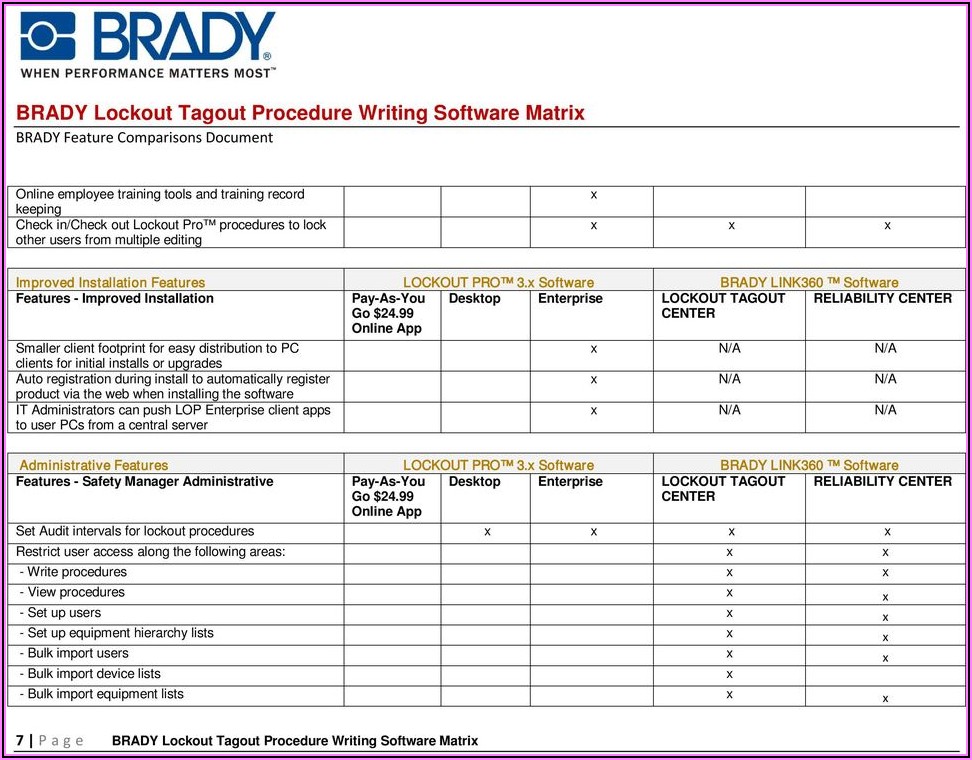
| Brady Workstation Software | Desktop + Printer Integration | Design, print, and track tags; integrates with LOTO databases | High-volume, tech-enabled sites |
| SafetySign.com Free Templates | Downloadable PDFs | Free OSHA-aligned templates, printable on standard printers | Small businesses on a budget |
| Creative Safety Supply Tag Generator | Online Tool | Customize online, print at home, multiple language support | Quick deployment, training use |
For most teams, a mix of digital templates and durable printing stock delivers the best balance of control and accessibility. Avoid free templates with watermarks or incomplete fields—they signal lax safety standards.
Integrating Printable Tags Into Your LOTO Program
A tag is only as strong as the system behind it. To maximize effectiveness:
- Standardize Templates Company-Wide
- Ensure every department uses the same format. This eliminates confusion and reinforces recognition.
- Train Employees on Proper Use
- Include tag completion in LOTO training. Emphasize: no blank fields, no shared locks, no removal by unauthorized personnel.
- Store Templates Accessibly
- Keep digital files on shared drives, intranet, or maintenance tablets. Pair with a dedicated printer near tool cribs.
- Audit Tag Usage Monthly
- Review removed tags for completeness. Are names filled? Dates accurate? Reasons specific?
- Pair Tags With Locks
- Never rely on tags alone. They are warning devices, not physical restraints. Always use a lock.
Limitations of Printable Tags (and How to Overcome Them)
Printable tags aren’t a fix-all. Recognize their constraints:
- Tamper Risk: Unlike serialized, tamper-evident tags, print-at-will versions can be duplicated. Mitigate by logging tag use or using unique IDs.
- Printer Dependency: If the printer breaks, access is lost. Maintain printed backups for critical systems.
- Environmental Limits: Standard tags fail in extreme heat, cold, or moisture. Use industrial-grade materials in harsh conditions.
For high-risk environments, consider hybrid systems: print temporary tags for daily use but maintain permanent, weatherproof tags for long-term outages.
Final Thoughts: Make Safety Visible, Immediate, and Actionable
Printable lockout tagout tags bridge the gap between regulatory compliance and real-world usability. When designed well and used consistently, they turn abstract safety policies into visible, actionable behavior.
Don’t settle for flimsy paper or generic designs. Invest in templates that meet OSHA standards, print on durable stock, and empower every worker to document their role clearly.
The next time a technician reaches for a lock, make sure the tag they attach says more than “Danger.” Make it say: “I’m responsible. This machine stays off. Safety comes first.”
Start by downloading or designing a compliant template today. Print a test batch. Walk the floor with it. See how it holds up. Iterate. Improve. Then scale.
Because in safety, the smallest detail can prevent the biggest accident.
Frequently Asked Questions
What information must be on a lockout tagout tag? A compliant tag must include the employee’s name, date and time of lock application, reason for lockout, and a clear “Do Not Operate” warning.
Can I use regular paper for printable LOTO tags? No. Standard paper tears easily and degrades in industrial environments. Use water-resistant or synthetic materials for durability.
Are handwritten tags acceptable under OSHA? Yes, if they contain all required information and are legible. However, printed tags reduce errors and improve consistency.
Do printable tags need to be a specific color? OSHA doesn’t require a specific color, but red is the industry standard for danger and high visibility.
Can I customize LOTO tags for different departments? Yes, but maintain core compliance elements. Customization should enhance clarity, not replace required fields.
Where should I store printable tag templates? Store them digitally on shared drives, maintenance tablets, or intranet portals with access for authorized personnel.
Do I need to keep used tags on file? While OSHA doesn’t require retention, keeping used tags for 1–3 months supports audits, incident reviews, and training.
FAQ
What should you look for in Printable Lockout Tagout Tags for Workplace Safety Compliance? Focus on relevance, practical value, and how well the solution matches real user intent.
Is Printable Lockout Tagout Tags for Workplace Safety Compliance suitable for beginners? That depends on the workflow, but a clear step-by-step approach usually makes it easier to start.
How do you compare options around Printable Lockout Tagout Tags for Workplace Safety Compliance? Compare features, trust signals, limitations, pricing, and ease of implementation.
What mistakes should you avoid? Avoid generic choices, weak validation, and decisions based only on marketing claims.
What is the next best step? Shortlist the most relevant options, validate them quickly, and refine from real-world results.